
Message Log – Track All Quote Messages Sent to Customers
Message Log allows you to review all quote messages that were sent from your Printalogue admin panel to customers via WhatsApp and Email.
This helps your team confirm recipient info, check message details, and ensure smooth communication with customers.
How to Check Your Message Log
After you log in to Printalogue as an Admin and send an order message to a customer, you can view the full message record in the Message Log.
Steps:
- Go to Message Log – Access the Message Log from your Printalogue dashboard.
- Click the View Icon – This opens the details of the message.
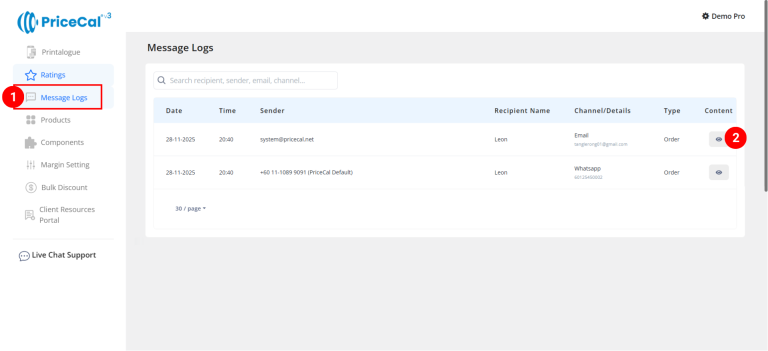
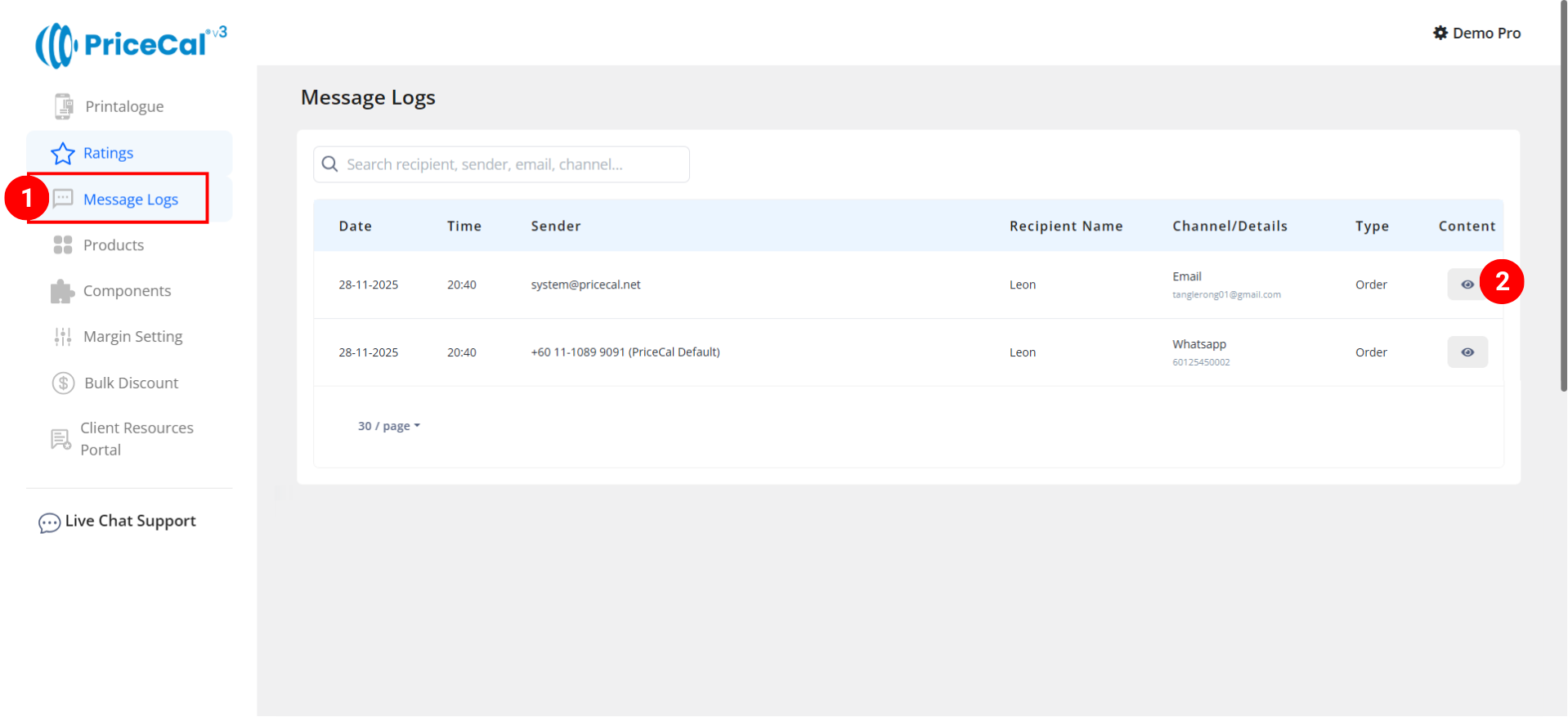
What you can see in the message log content:
- Sender Info — who sent the message
- Sent Time — timestamp of when the message was sent
- Recipient Info — customer’s name and phone number or email
- Message Content — the exact quote message that was delivered