
Beyond the Calculator: Meet the SmartCal (SC) Automation Engines

July 10, 2025

In print industry, speed is the ultimate competitive advantage. If your team is still manually calculating sheet impositions, material waste, or 3D volumes, you’re not just losing time—you’re leaking profit on every quote.

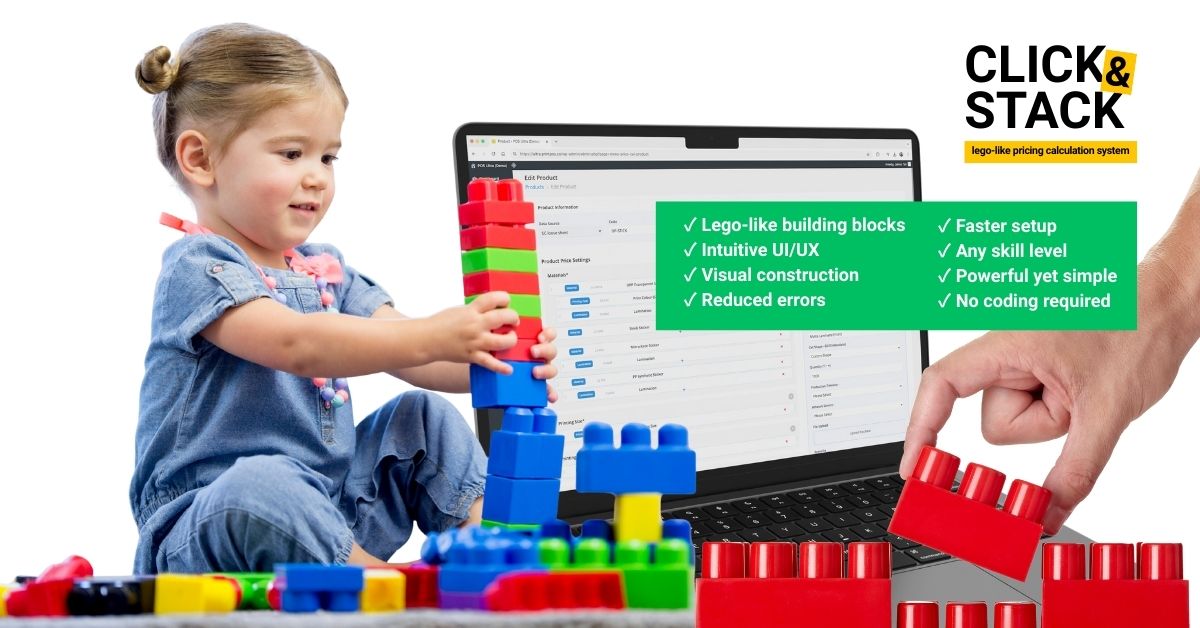
SmartCal (SC) is PriceCal’s specialized suite of logic engines—purpose-built to understand the “Production DNA” of each product category and turn complex manufacturing variables into instant, accurate pricing. Think of SmartCal like a LEGO system: instead of one giant, rigid formula, you build pricing by snapping together small logic blocks. Each block represents a real production variable—material, size, type of print, cutting, finishing, MOQ, margin rules, etc… so you can mix-and-match blocks to create accurate pricing for different products without rebuilding everything from scratch.

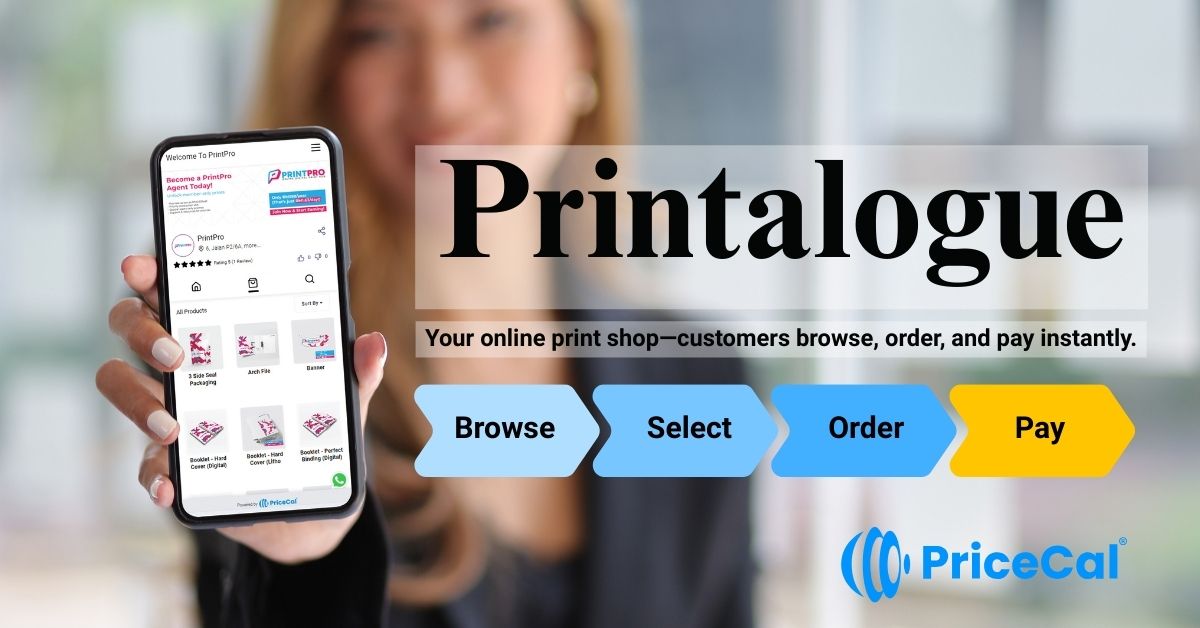
And when you’re ready to present those SmartCal-powered products to customers, Printalogue is the shopfront: a branded catalog where the products you’ve built can be browsed and quoted in real time. [ Walkthrough of Printalogue ]

If you’d like to see it on your own products, [ book a demo ].

The SC-Tools Suite: Specialized Logic for Every Product

1) SC-Area

The Engine for Wide-Format & Signage (see example)

  • Usage: For any product priced by surface measurement (sq. ft / sq. meter).
  • Best for: Vinyl banners, building wraps, custom signage, and wallpaper.
  • The Logic: Handles custom Width x Height inputs instantly. It calculates costs based on roll-form material wastage and optimizes pricing for oversized items.

2) SC-Basic

The Engine for Fast-Entry Print (see example)

  • Usage: For products with fixed variables and straightforward pricing.
  • Best for: Standard posters, postcards, or accessory items like easel stands and sample kits.
  • The Logic: The quickest way to get everyday products online without complex background math. Perfect for items with pre-determined price lists.

3) SC-Booklet

The Engine for Multi-Page Projects (see example)

  • Usage: For complex, bound documents.
  • Best for: Magazines, annual reports, catalogs, and programs.
  • The Logic: It intelligently manages “Cover vs. Inner” paper stocks and automatically calculates spine width and binding costs (Saddle Stitch, Perfect Bind, etc.) based on total page count.

4) SC-Box

The Engine for Volume-Based Containers (see example)

  • Usage: For 3D products defined by cubic dimensions.
  • Best for: Custom corrugated mailers, shipping boxes, and standard storage bins.
  • The Logic: Calculates pricing based on Length x Width x Height. It is designed for printers who produce their own box structures and need to account for board usage and volume.

5) SC-Item

The Engine for Promotional Merchandise (see example)

  • Usage: For individual, unit-based goods.
  • Best for: Mugs, t-shirts, pens, and corporate gifts.
  • The Logic: Effortlessly handles “Unit Price + Setup/Molding Fee” logic and applies tiered quantity discounts automatically.

6) SC-Packaging

The Engine for Structural Retail Design (see example)

  • Usage: For high-end, custom-engineered packaging.
  • Best for: Cosmetic boxes, luxury folding cartons, and pharmaceutical packaging.
  • The Logic: Built to handle complex dielines and specialized finishes (like Spot UV or Foil). It bridges the gap between structural engineering and instant, retail-ready pricing.

7) SC-Sheet

The Engine for Commercial Imposition (see example)

  • Usage: For high-efficiency “gang-run” sheet printing.
  • Best for: Business cards, flyers, and stickers.
  • The Logic: The Master of Efficiency. It calculates exactly how many units fit onto a parent sheet (nesting), accounting for bleed, trim, and wastage so you never undercharge for material usage.

Why Automate Your Quoting?

The goal of the SmartCal suite is to move your business from a “Request for Quote” model to an “Instant Checkout” model.

  • Eliminate Human Error: Manual math leads to underquoting. SmartCal uses production-level logic to ensure every cent is accounted for.
  • 24/7 Salesroom: Your website becomes a tireless sales agent that can quote complex booklets or custom boxes at 3:00 AM.
  • Focus on Growth: By automating the “hard work” of calculation, your team can focus on high-value tasks like strategy and customer relationships.

Stop trading your time for math. Let the engines do the work.

Share this article via

more articles

Use Cases
July 7, 2023

Market & Graphic Agencies

Graphic design companies are closely related to the printing business. Graphic d...
Policy
July 13, 2023

Privacy Policy

Last Update: 10 July 2023 This Privacy Policy outlines how [pricecal.co] (“...
Tutorial
June 10, 2025

Create Custom WhatsApp Sender

Getting Started with Custom WhatsApp Sender – Setup Guide Prerequisites: A...
Starred
Why Print Businesses Are Shrinking While Demand Is Growing: The Truth Behind the Trends
December 11, 2024

Why Print Businesses Are Shrinking While Demand Soars—and How to Fix It

The Truth Behind the Trends The printing industry has often been labeled a “suns...
©2025 PriceCal.co

API

SC-Sheet calculates printing costs by determining the number of large sheets required based on material, size, printing method, and quantity.

For example, if a customer orders 1,000 business cards (89mm x 54mm), SC-Sheet calculates how many fit on a standard sheet, the total sheets needed, and the printing cost. Additional finishing like lamination or diecut is factored in separately, ensuring precise pricing while optimizing material usage and profitability.

What products are best suited for API?

Click on the products below to see API in action!

SC-Sheet

SC-Sheet calculates printing costs by determining the number of large sheets required based on material, size, printing method, and quantity.

For example, if a customer orders 1,000 business cards (89mm x 54mm), SC-Sheet calculates how many fit on a standard sheet, the total sheets needed, and the printing cost. Additional finishing like lamination or diecut is factored in separately, ensuring precise pricing while optimizing material usage and profitability.

What products are best suited for SC-Sheet?

Click on the products below to see SC-Sheet in action!

CSV

CSV is the most flexible way to manage and price products with fixed options or variations that don’t require dynamic calculations. Ideal for products with pre-set combinations of attributes like size, material, finish, and quantity, CSV enables
printers to create custom pricing tables in Excel (CSV format). Once the table is computed, simply upload it into PriceCal, and our Price Calculator will convert it into a systematic selection, generating the price based on the chosen options.

For instance, when calculating the price for a roll-up standee, printers can set up variables like type (e.g., Standard, Deluxe), size (Small, Medium, Large), print method (Digital, Offset), and quantity (e.g., 1, 5, 10). These variables are then organized in a CSV file, and upon upload, the system will automatically generate the correct pricing based on the selected options.

What products are best suited for CSV?

Click on the products below to see CSV in action!

  • Banners (Size, Material, Print Method, Quantity)
  • Packaging Boxes (Type, Size, Printing Method, Finishing)
  • Signage (Material, Size, Print Method, Quantity)
  • Stationery (Size, Material, Print Method, Quantity)
  • Promotional Products (Type, Design, Print Location, Quantity)

SC-Packaging

SC-Packaging is designed to handle pricing for packaging products such as boxes and cartons by calculating costs based on material, size, and finishing components. Through our strategic partnership with Pacdora, printers gain access
to a wide variety of box models, including double tuck boxes, auto-lock boxes, mailer boxes, and more.

This tool works similarly to SC-Sheet by calculating the open size of the selected box model and using the input dimensions to determine material usage, printing costs, and additional finishing. Components like gluing, die-cutting, and assembly costs can be seamlessly factored into the pricing

For example, if a customer orders 2,000 auto-lock boxes measuring 200mm x 150mm x 100mm, SC-Packaging will generate the total material required based on the box’s flat layout, calculate the printing and die-cutting costs, and include any finishing or assembly charges.

Exciting Benefits from Our Pacdora Partnership

Thanks to this collaboration, printers can now:

✅ Retrieve dielines instantly upon customer order.

✅ Offer customers access to Pacdora’s design studio to create and edit packaging
artwork effortlessly.

What products are best suited for SC-Packaging?

Click on the products below to see SC-Packaging in action!

SC-Item

SC-Item is designed for pricing single-item print customization, making it ideal for products like apparel, drinkware, and promotional merchandise. Unlike other pricing tools, SC-Item allows for flexible order quantities across different variations, such as sizes, colors, and print locations.

For example, in t-shirt printing, customers can choose to print on the front, back, or sleeves and place an order with specific quantity breakdowns—20 Large, 10 Small, 15 Medium, etc. SC-Item calculates the cost based on the print locations, total quantity, and any additional customization options like embroidery, heat transfer, or DTF printing.

What products are best suited for SC-Item?

Click on the products below to see SC-Item in action!

SC-Booklet

SC-Booklet is designed to generate precise pricing for multi-page products like booklets, catalogs, and magazines by calculating the material cost, printing method, and binding requirements. It determines the number of sheets required to fulfill an order based on the total number of pages, paper type, and sheet size. Additionally, SC-Booklet supports various binding methods, including saddle stitching and perfect binding, ensuring flexibility in product customization.

For example, if a customer orders 500 copies of a 32-page booklet, SC-Booklet calculates the number of large sheets needed based on the imposition layout. If the inner pages are printed on 150gsm matte paper and the cover on 300gsm glossy
paper, it determines how many sheets of each material are required and factors in the printing and finishing costs accordingly. The system also accommodates add-ons like spot UV, lamination, and special finishes.

What products are best suited for SC-Booklet?

Click on the products below to see SC-Booklet in action!

  • Corporate brochures
  • Annual reports
  • Event programs
  • Product catalogs
  • Training manuals
  • Magazines
  • Cookbooks
  • Portfolios
  • School yearbooks
  • Art books

SC-Area

SC-Area calculates printing costs based on the total print area (sq ft). When a user enters the length and width of the final print, SC-Area determines the total printable area and generates the cost accordingly. It also factors in additional finishing based on the perimeter, making it ideal for products that require eyelets, frames, or poles.

For example, if a customer orders a banner measuring 10ft x 3ft, SC-Area will calculate the total print area (30 sq ft) and generate the cost. If finishing options like eyelets every 2ft or a poles are added, SC-Area factors in these costs based on the perimeter. This tool is perfect for large-format prints such as banners, buntings, billboards, and signage, ensuring accurate pricing and seamless cost calculation.

What products are best suited for SC-Area?

Click on the products below to see SC-Area in action!

  • Magnetic signs
  • Metal / Aluminum signs
  • Die-cut stickers (large format)
  • PVC boards (Forex board prints)
  • Corflute / Corrugated plastic signs
  • Canvas prints
  • Tension fabric displays
  • Construction site signage
  • Directional & wayfinding signs
  • Table covers & table runners
  • Street pole banners
  • Retail window clings
  • Estate agent boards
  • Event standees & cutouts
  • Door signs & nameplates

PriceCal bags Best eCommerce Fulfilment Award 2023

PriceCal, conceptualized and brought to life by Welson and his dynamic team, emerged from a vision to revolutionize the print industry's approach to online sales....